
 By
·
4 minute read
By
·
4 minute read
What Are Custom Coded Workflow Actions?
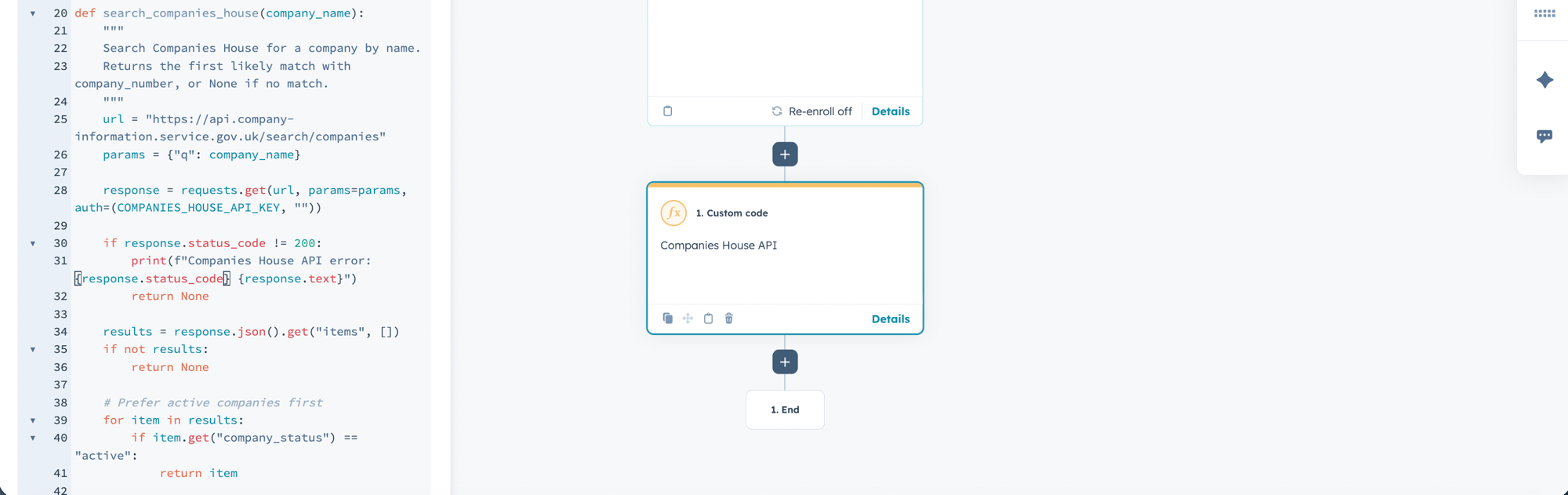
Custom coded actions allow you to run JavaScript (Node.js) or Python directly inside a HubSpot workflow. Instead of being limited to the built in actions HubSpot provides, you can write your own logic, manipulate data in complex ways and connect to external systems without needing a third party tool sitting in the middle.
They sit inside your workflow like any other action, but rather than clicking through a configuration panel, you write code that runs when the workflow triggers.
Standard workflows are built around a drag and drop, if/then logic structure. That works brilliantly for straightforward automations. But the moment your requirements get more complex, you start stacking branch after branch, chaining multiple workflows together and building something that no one person can fully understand at a glance. Custom code lets you collapse all of that into a single, readable action.
To give you a concrete example: we recently worked with a client whose lead routing workflow had grown to over 70 branches. It covered every combination of company size, region, industry and product interest to assign the right sales rep. Adding a new territory meant touching the workflow in multiple places and nobody was confident they were doing it correctly. We replaced the whole thing with around 40 lines of code. Same logic, one action, dramatically easier to maintain.
When Custom Code is the Right Call
Not every problem needs custom code, but there are situations where it is clearly the best tool for the job.
When Not to Use Custom Code
Custom code is genuinely powerful, but it is not always the right answer. There are situations where reaching for it creates unnecessary complexity.
If the standard workflow actions can do the job, use them. There is a real temptation among more technical consultants and admins to default to code because it feels cleaner or more elegant. Resist it. Standard actions are easier for the rest of your team to understand and audit and they are less likely to break silently.
Avoid custom code when you are dealing with a process that changes frequently. Updating logic inside a workflow action is straightforward; updating code requires more care and testing. For anything that needs regular adjustment by a non technical user, keeping it in standard actions makes more practical sense.
And finally, do not use it to solve problems that actually sit upstream of the workflow. If your data is messy going in, custom code can work around that to a point, but it is not a substitute for fixing the underlying data quality issue.
Best Practices Worth Following
Getting custom coded actions working is one thing. Building them in a way that does not cause problems six months down the line is another.
-
Document everything - This sounds obvious but it rarely happens. At a minimum, add a comment block at the top of every custom action that explains what it does, why it exists and what properties it reads and writes. Future you or whoever inherits the portal, will thank you.
-
Build in error handling - Custom code that fails silently is one of the worst things that can happen in a live workflow. Wrap your logic in try/catch blocks and make sure failures surface somewhere visible, whether that is a HubSpot property being set to flag the error, a notification being sent to the right person or both. Test your error states deliberately, not just the happy path.
-
Test with real data before going live - Synthetic test data rarely exposes the edge cases that real data does. Before enabling a custom action on live contacts or deals, run it against a meaningful sample of actual records and check the outputs carefully.
-
Think about handover from day one - The code needs to be legible to whoever comes next. Write it simply, name your variables clearly and avoid clever shortcuts that save you five minutes but confuse everyone else. Leave a README somewhere accessible that explains where the code lives and how to find it.